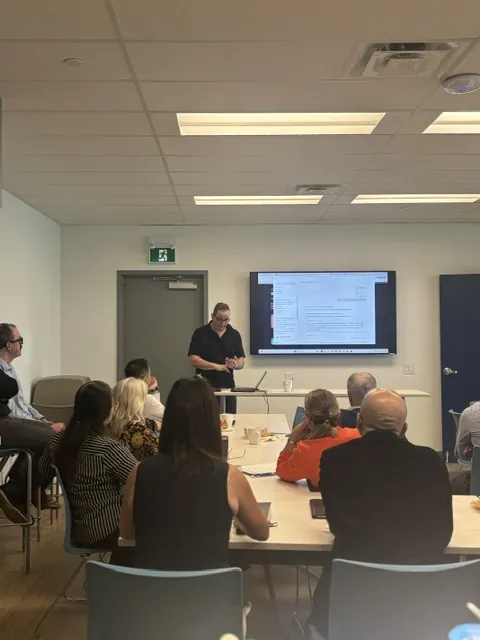
Ninety minutes in your boardroom, or a half day that goes deep on the one tool your company runs on. Practical, hands-on, on the software you already pay for.
Taught in person, on your team's own real work, not on demo files.
Learning on your own instead? See the next course dates.

Both delivered in person, in your own office, anywhere in Toronto and the GTA. Both taught on the software your company already pays for.
Not training a team? We also run four-session public courses in Toronto and live online. See the dates.
Nobody is behind because they are slow. They are behind because no one ever sat down with them and showed them how the thing actually works.
Typing a question into a chat box
Personal instructions and memory
A prompting method that actually works
Working on their own files and spreadsheets
Decks and documents on your brand
A mini agent for the task they repeat weekly
One row is what most teams use. The other five are the session.
since ChatGPT launched and changed what an ordinary work day could look like.
of what the tools do. The other 80% is settings, prompting and file work nobody was taught.
is how long it takes to move a team from the first number to the second one.
Some staff use ChatGPT. Some use Copilot. Some use nothing. Every one of them decided on their own, and nobody ever told them what they are allowed to type into it.
Typed into free personal accounts, and you have no way to know it happened. That is a data problem, not a productivity one.
Copilot sits inside the Microsoft 365 you pay for every month. It is in Outlook, Word, Teams and PowerPoint right now, on every machine in the building.
Most teams have never opened it. The ones who have typed one line in, took whatever came back, and decided it was not very good.
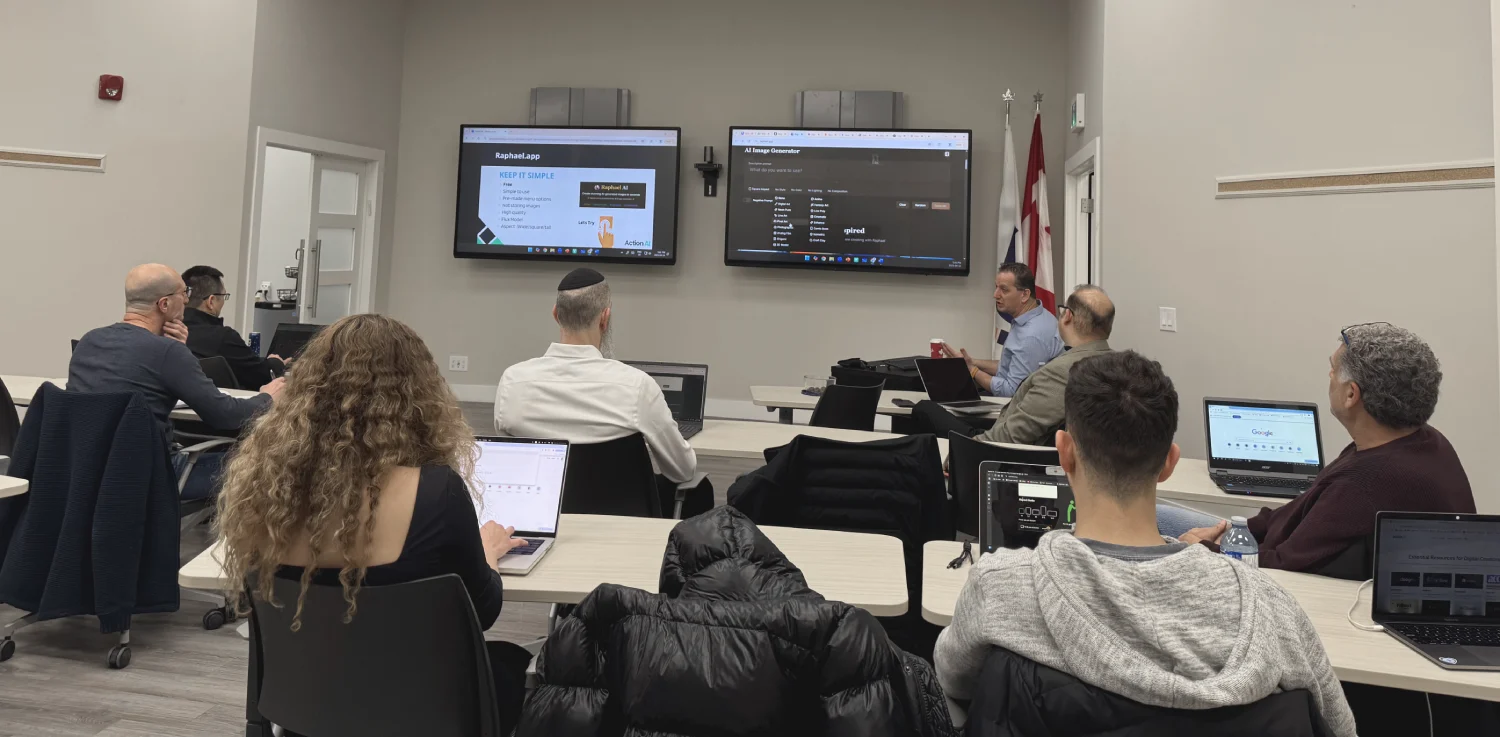
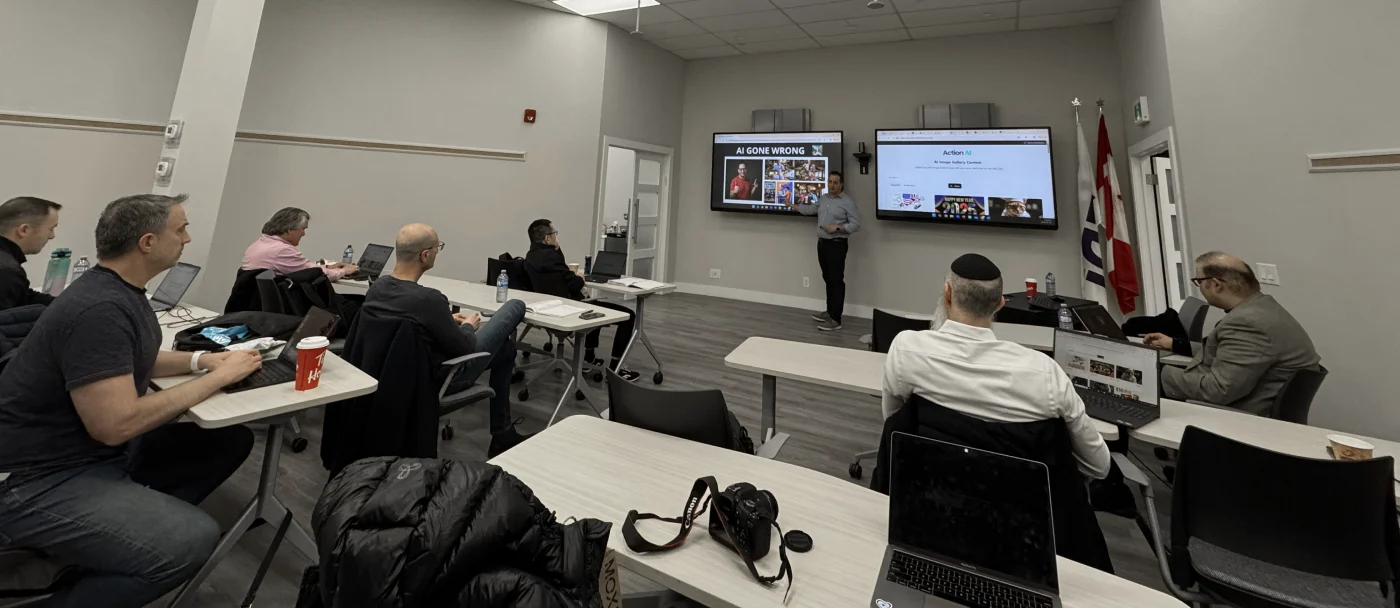
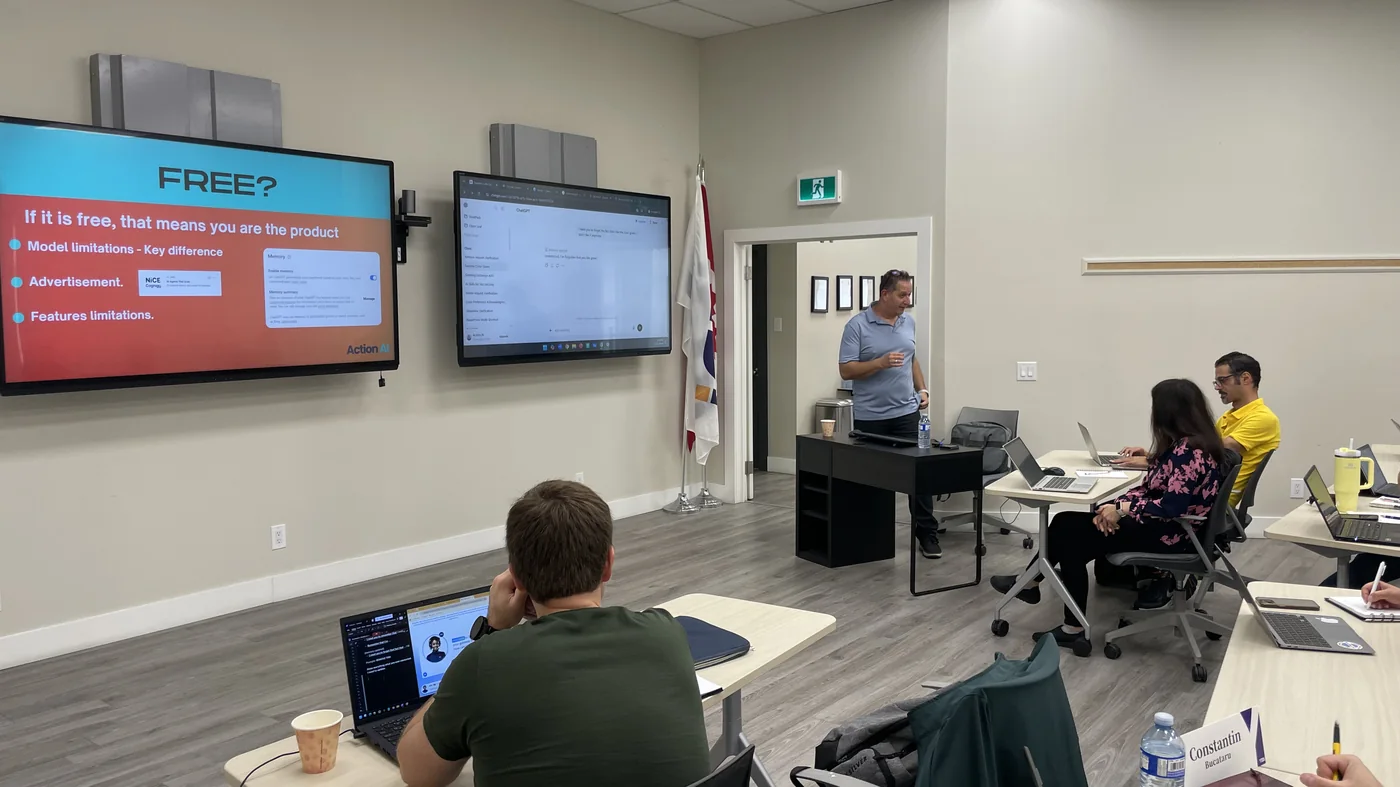
We fix it from the basics up. Settings and personalization first, then prompting, then the work that gives people hours back. By the end of the session your team is working in the other 80%.
Book a 15 minute callOne session, in your own boardroom, on the software you already own. You provide the room and the lunch. We bring the training.



Nothing else works until this is done. Set up for each person around the job they actually do. Sales does not need the same setup as accounting.
The difference between a useless answer and one you can actually send. This is where most people have been going wrong without knowing it.
PDFs, Excel sheets, images. Real documents from their day, not samples. This is the part where the room gets loud.
What AI can do with your documents and your decks, following your own brand guidelines instead of generic templates.
Everyone picks one task they repeat every week and we build something that handles it. They leave knowing how to build the next one.
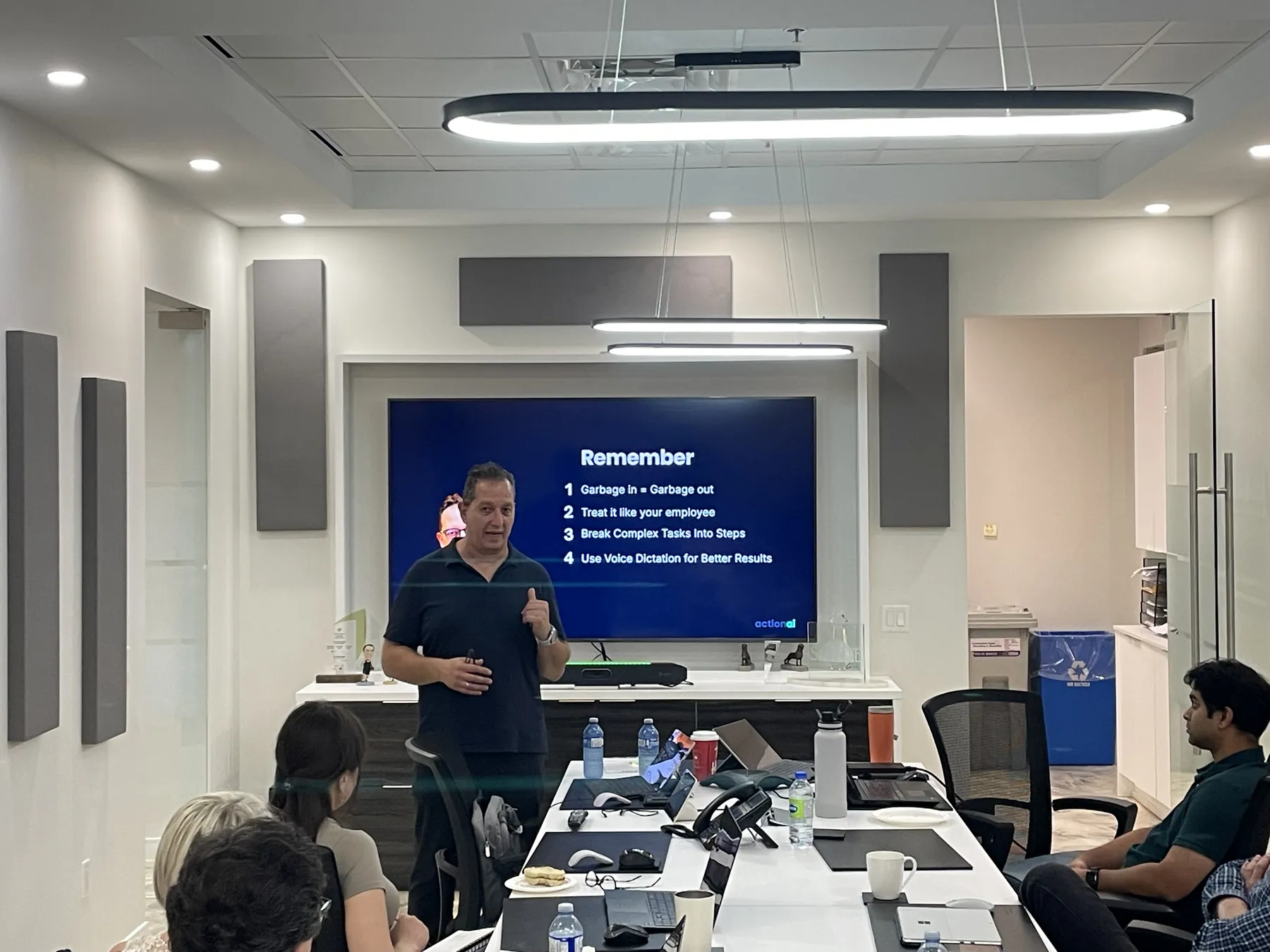
Ninety minutes. Laptops out. Everyone follows step by step in your own software.
If it was not worth it, you do not pay. Tell us within 48 hours of the session and we refund the fee in full. No form, no argument.
On the call we check which Microsoft licence you actually have, before you pay anything. If the AI you already own cannot do what you need, we tell you and you have lost fifteen minutes.
Across team sessions and public courses. All of them hands-on, on your own work.





Those use cases were eye opening to what we could set up and have an agent run on behalf of ourselves. I can only imagine the amount of time we could free up. I'd love to have you come again.
Thank you so much for delivering today's session, and on such short notice. It was truly a pleasure, and our team really enjoyed learning from you.
Ran is an exceptional AI instructor. He doesn't just teach tools or theory, he empowers you to think in AI and apply it confidently.
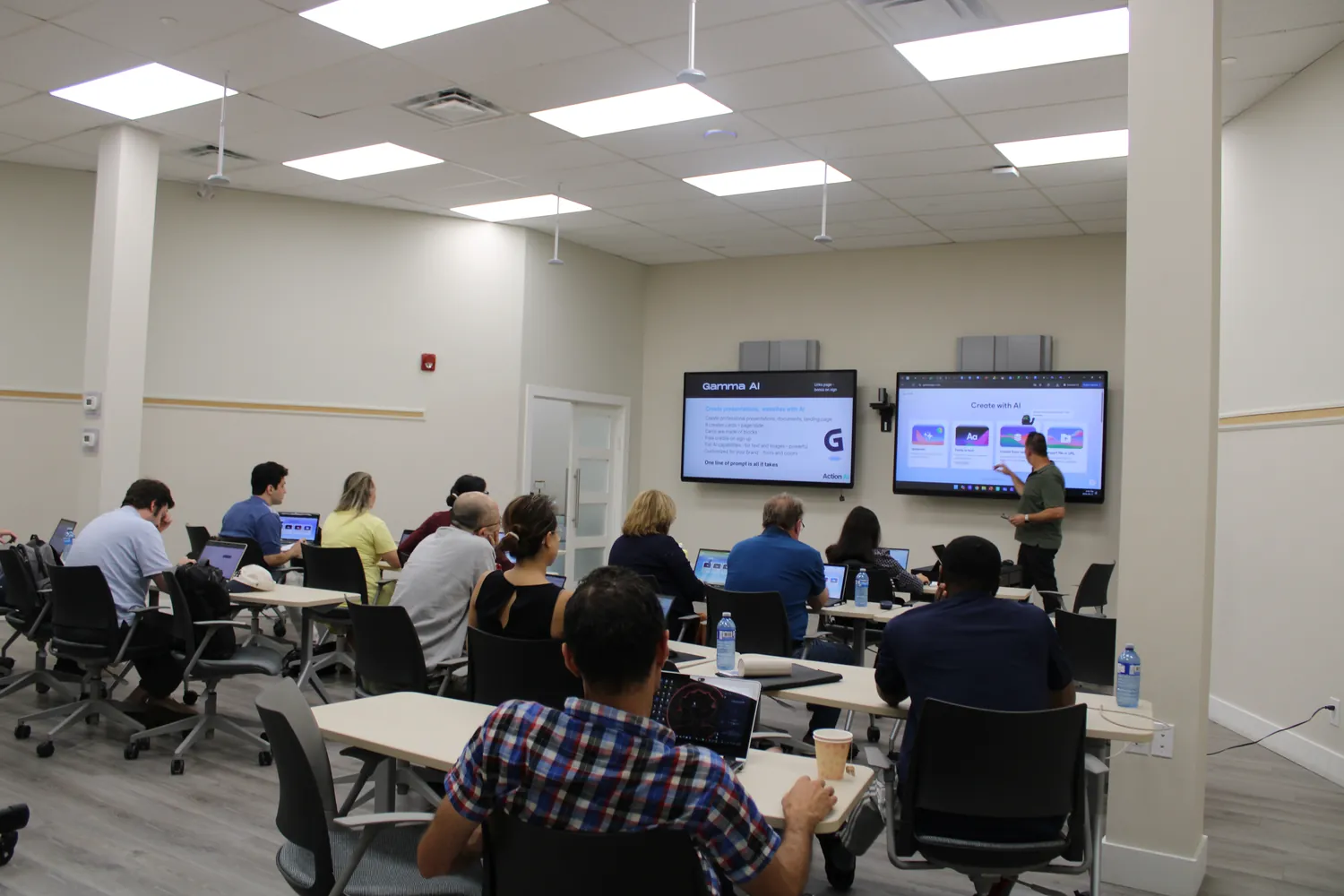
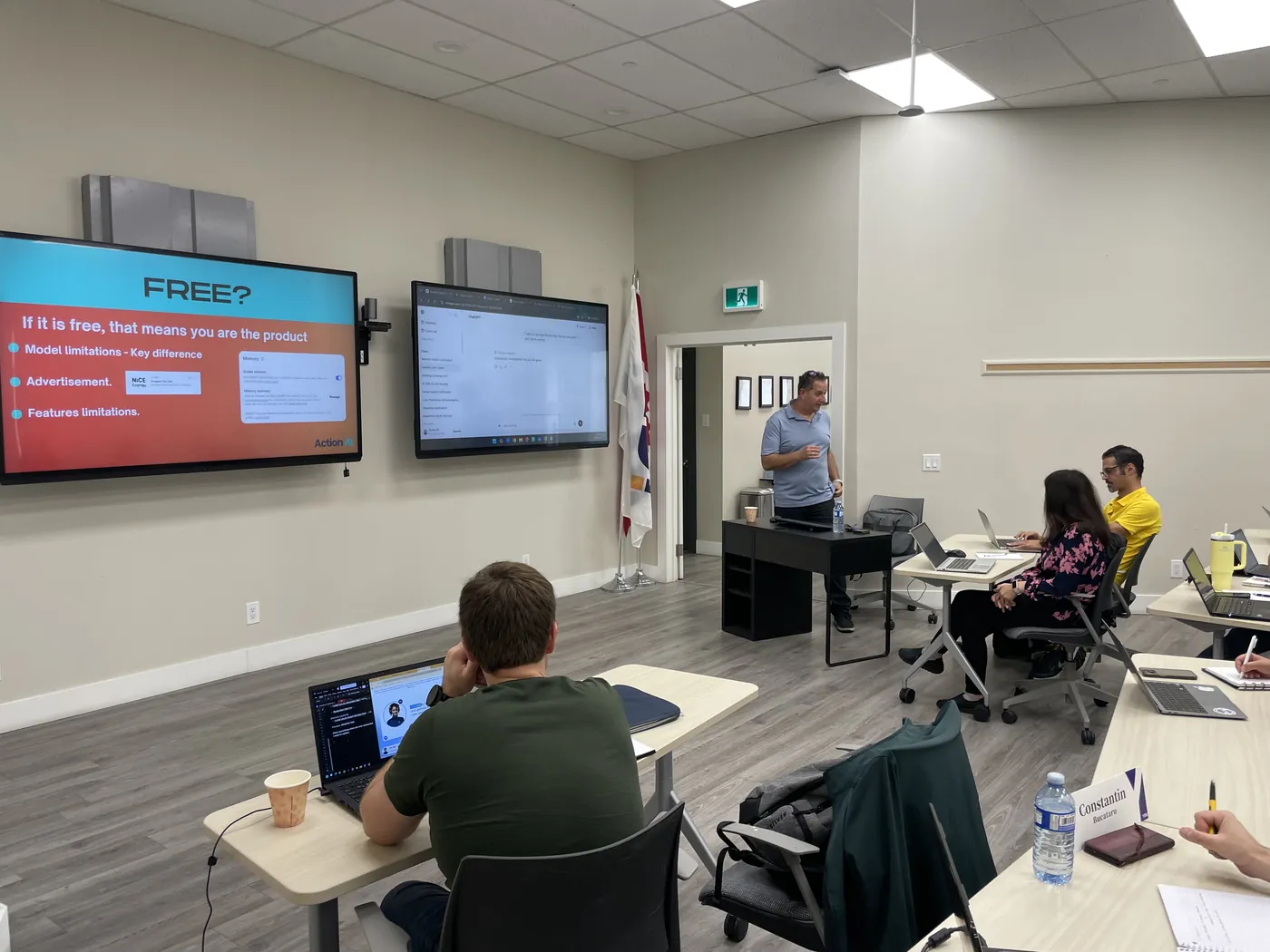
On-site AI training delivered this year to GTA companies already paying for Microsoft, across financial services, property development, food manufacturing and professional services. Every session delivered in person, on-site.
Client company names are never published. Quotes stay anonymised by sector and city.
Ninety minutes covers the ground. A half or full day picks the tool your company already runs on and goes all the way into it. That only works if I know what your team does first, so every half day starts with a free fifteen minute call. Delivered on-site across Toronto, the GTA and southern Ontario.
Tell me what your team does day to day and which tools you already pay for. I will tell you straight whether a session is worth your money. If it is not, I will say so on the call.
Copilot, ChatGPT, Gemini or Claude. One tool, taught properly, around the work the department actually does. Marketing and admin, operations, or leadership. Half day or full day, your call.
In your office, laptops out, everyone working in their own files. Quoted after the call by group size and how deep you want to go, so you never get a number before I understand the job.
Fifteen minutes on the phone tells us both whether a half day is the right thing to do.
No pitch, no obligation. If ninety minutes is genuinely all your team needs, I will point you at the Lunch and Learn instead.
Action AI has been teaching AI since the week ChatGPT launched, to professionals, teams and business owners across Toronto and the GTA. Everything we teach comes from using these tools in real business settings, not from theory, and every session runs to the same method.
We are not a Microsoft partner and we earn no commission, so we can tell you when Copilot is the wrong tool. Ask a reseller to do that.
It has a date, a cap, an agenda and a person standing in your room. The usual quote in this market starts at several thousand dollars with no end date.
You already own it. It is already installed. No procurement, no IT ticket, no new login.

Four live evening sessions, in person in Toronto or on Zoom. The same practical method the companies get, in a small group. No coding and no tech background needed.


Join our live online sessions and start using AI tools to work faster, smarter, and better.
Full course details
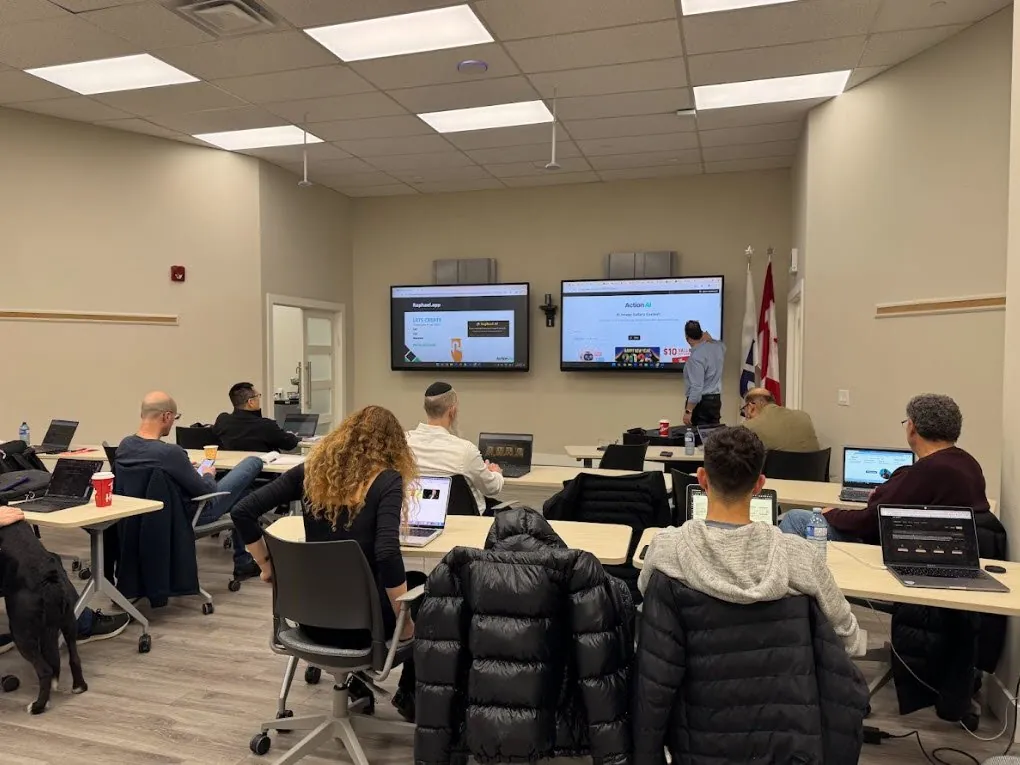
Learn AI by doing. Join four live sessions and build real skills with guidance in the room.
Program detailsBecause paying for it and using it are not the same thing. Most teams have never opened it, and the ones who have are using a fraction of what it does. The licence is the cost you already carry every month. The training is what turns it into time back.
Good. That is exactly who this is built for. No jargon, no theory, no tech background needed. Everyone works on their own real tasks in their own software, step by step, at their own machine.
That happens when people watch a demo. Here everyone works on their own files and leaves having built something that saves them time this week. Nobody has to be chased to use it afterwards, because they already did it once with their own work and they know exactly what it saved them.
Hands-on is capped at 15, because past fifteen nobody gets individual attention and we stop pretending otherwise. Bigger rooms run as a live session with demos, and everything is sent through afterwards. Larger groups are quoted on the call.
Toronto and across the Greater Toronto Area, and southern Ontario for larger programs. You provide the room and the lunch, we bring everything else.
Training a team? Book a call and we will tell you straight whether a session is worth your money. Learning for yourself? Pick the next workshop and come along.
AI has been here four years. The gap is not going to close on its own.