Hands-on AI team training in Toronto and across the GTA, in your own office, on the tools your company already pays for. Your people leave using them properly, on their own real work.
Start with a 90 minute Lunch and Learn. Go deeper with a half day or a full day when your team is ready.
Hundreds of people trained. More than 30 companies and organizations across the GTA. Every session is taught in person by Ran Armon, founder of Action AI.
Not sure where your team stands? Take the free 3 minute AI assessment →
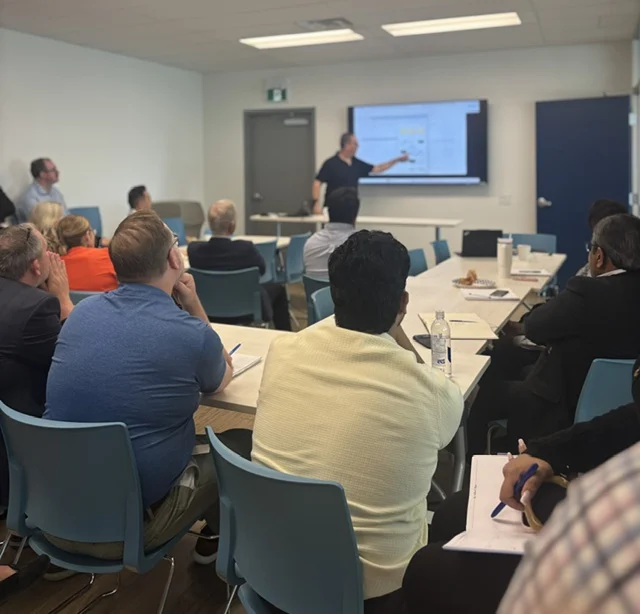
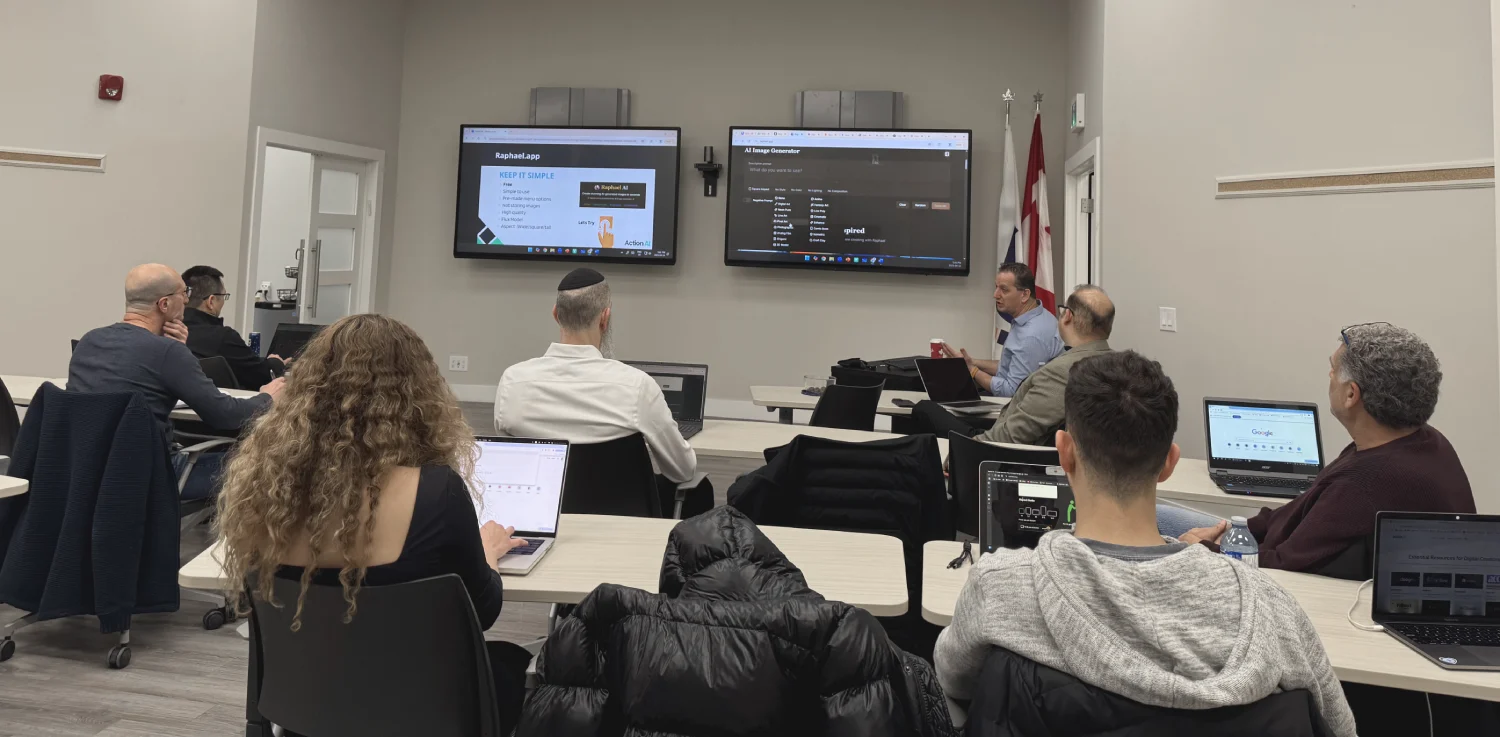
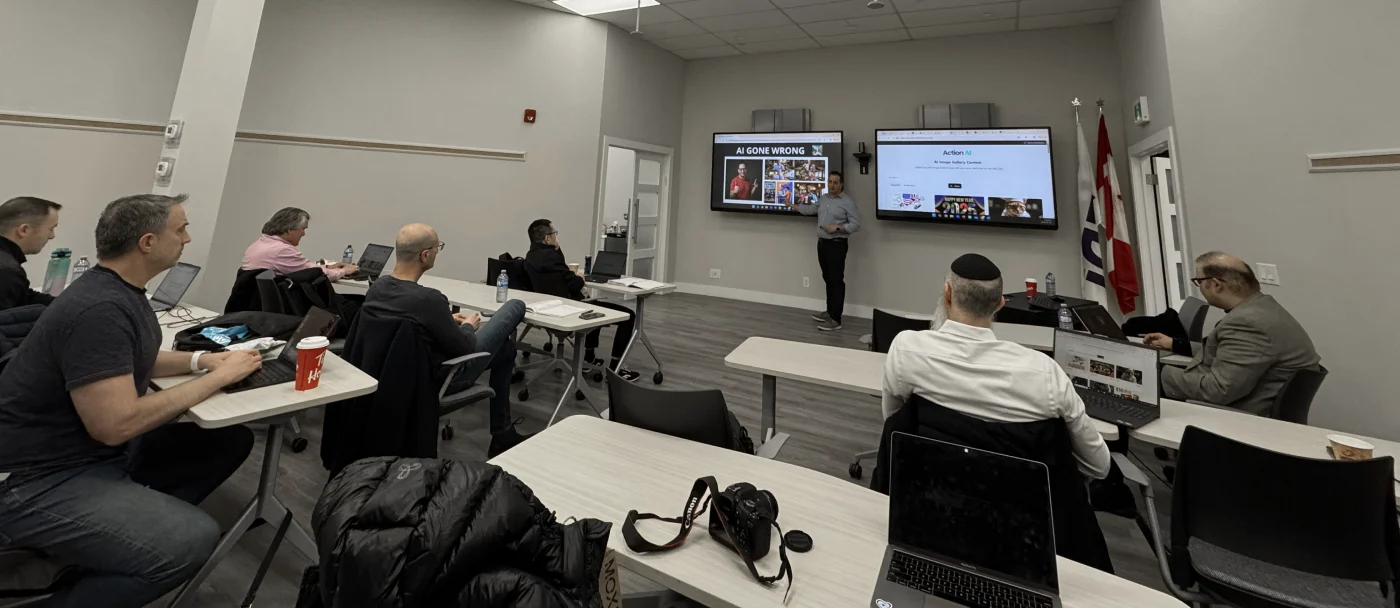
Pick a time on my calendar and you get fifteen minutes on the phone with me, not a voicemail.
Nobody needs another subscription. Copilot is already inside your Microsoft 365. Gemini is already inside Google Workspace. Your team just needs someone to open it with them, on their own work. Here is what we cover, and some of the applications inside each one.
Pick one and we go all the way in.
A half day or a full day on a single platform, so your team leaves using it properly instead of sampling four of them.

 Word
Word
 Excel
Excel
 PowerPoint
 Outlook
Teams
Copilot Chat
Agents
Outlook
Teams
Copilot Chat
Agents



 Ideogram
Perplexity
Ideogram
Perplexity
Some of your staff use ChatGPT. Some use Claude. Some use Copilot. Some use nothing at all. Every one of them decided on their own.
There is no standard. No rule about what goes in. No way to know who is using what.
And nobody ever told any of them what they are allowed to put in.
Typed into a free personal account, and you have no way to know it happened.
That is shadow AI. It is not a productivity problem, it is a data problem, and it is already happening in your building.
Copilot is inside the Microsoft 365 you pay for every month. It is in Outlook, Word, Teams and PowerPoint right now, on every machine in the building.
Most teams have never opened it. The ones who have type a single line into it, take whatever comes back, and decide it is not very good.
We will show you how to get one hundred percent out of the tools your team is already using, and the ones your company is already paying for, so they work faster, better and smarter. Not harder.
We fix it from the basics up. The settings and the personalization first, then prompting, then the work that gives people hours back. By the end of the session your team is working in the other 80%.
Book a 15 minute callEvery format is taught in person by Ran, in your office, on your team's own work. No coding and no technical background needed.
The fastest way to get your whole team using AI properly. Settings, prompting, their own files, and a mini agent each. You bring the lunch.
See what happens in the room → On Microsoft 365? See Copilot training →For teams that want to go deep on the one tool the company runs on, like Microsoft Copilot, ChatGPT or Claude. Built around your department's real tasks.
Talk to us about a half day →Email and writing, research and documents, PowerPoint and Excel, images, and agents that take over the work your team repeats every week.
Talk to us about a full day →Half day and full day training are quoted on a free 15 minute call, based on your team size and goals. Groups larger than 30 run as a series of sessions.
From the training we run, the same moment happens every time. Someone opens Copilot in their own Outlook for the first time, watches it handle a thread they had been putting off all week, and looks up.
They have had it the whole time. Nobody ever showed them.
Instructions. Memory. What the AI is allowed to know about your role, your clients, and the way your company writes.
Set them once and you stop explaining yourself.
No retyping the same background before every request. No correcting the same mistake for the tenth time. No starting from zero every morning. It already knows.
Almost every inbox has a task somebody repeats over and over. The same kind of reply. The same sorting. The same weekly summary. A mini agent handles it. No programming, no IT ticket, a few minutes of setup.
Nobody has shown your team any of this. That is the whole reason it has not worked yet.
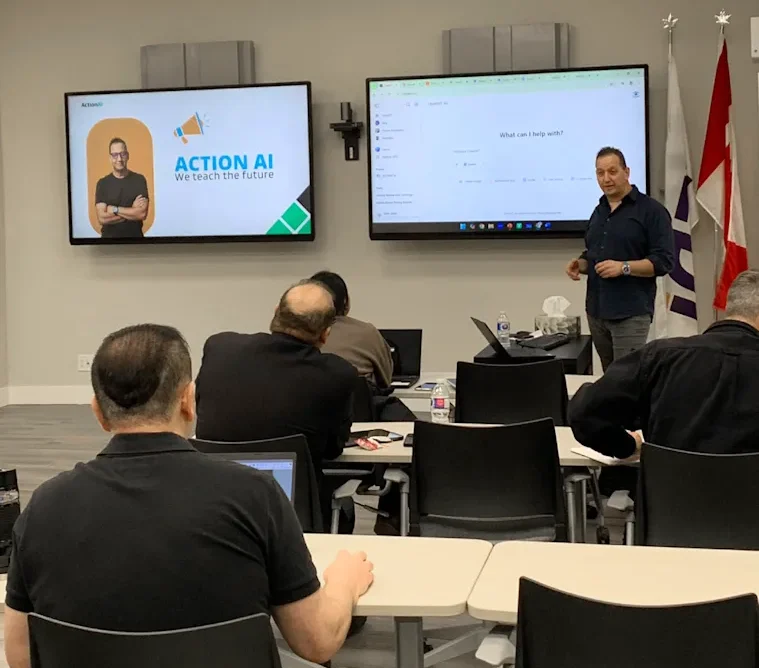
We ask what your team does all day and what software you already pay for.
Before you pay anything. If the AI you already own cannot do what you need, we tell you on the call and you have lost fifteen minutes.
You pick the date and the format. We bring the training. For a Lunch and Learn, you bring the lunch.
Up to 15 people, everyone brings a laptop and follows step by step, in your own software, on your own work. Above 15 it runs as a live session with demos, and everything is sent through afterwards.

Nothing else works until this is done. Personal instructions set up for each person based on the job they actually do. Sales does not need the same setup as accounting.
The tips and the tricks that turn a useless answer into one you can actually send. This is where most people have been going wrong without knowing it.
PDFs, Excel sheets, images. Real documents from their day, not samples. This is the part where the room gets loud.
What AI can actually do with your documents and your decks, following your own brand guidelines instead of generic templates.
Everyone picks one task they repeat every week and we build something that handles it. They leave knowing how to build the next one.
That is not a figure of speech. It is what the room sounds like when somebody watches a task that used to take them forty minutes finish in front of them.
Nobody has to be chased to use it afterwards, because they already did it once with their own work and they know exactly what it saved them.
If they can write an email, they can do this. We build the session around the work each team actually does.
Reports, meeting follow-up, research for decisions, and setting the rules for what goes into AI and what never does.
Email, documents, summaries, scheduling, and the repeat work that fills the day and never gets easier.
Content, proposals, client emails and presentations, written faster and kept on your brand.
We come to your office. Our home base is YEDI in North York, and we train teams across the Greater Toronto Area every month.
We are not a Microsoft partner and we earn no commission. We can tell you when Copilot is the wrong tool. Ask a reseller to do that.
It has a date, a cap, an agenda and a person standing in your room. The usual quote in this market starts at several thousand dollars with no end date.
You already own it. It is already installed. No procurement, no IT ticket, no new login.
Past fifteen people nobody gets individual attention, so we stop pretending. Bigger rooms get the session plus full follow-up material.
“Those use cases were eye opening to what we could setup and have an agent run on behalf of ourselves... can only imagine the amount of time we could free up. We often have mistakes in our transposing of data that we could easily work to eliminate by making us the checkers instead of the doers. I’d love to have you come again.”
“Thank you so much for delivering today’s session and also on such a short notice. It was truly a pleasure, and our team really enjoyed learning from you. I have sent out a short survey to everyone... to find out what would they like to see in the future sessions.”
“Ran is an exceptional AI instructor. His ability to break down complex AI concepts into clear, practical, and engaging lessons is rare. He doesn’t just teach tools or theory, he empowers you to think in AI and apply it confidently.”
“Ran is an excellent teacher, coach and mentor. His courses are transformative. In our first session, he helped me to feel comfortable using AI. He makes things easy to understand and encourages us to ask questions.”
We have delivered on-site AI training this year to GTA companies already paying for Microsoft, in financial services, property development, food manufacturing and professional services. Eleven of the last fifteen companies who reached out asked for one thing specifically: in person, at our office.
Every session is taught in person by Ran Armon, who founded Action AI and trains teams across the GTA.
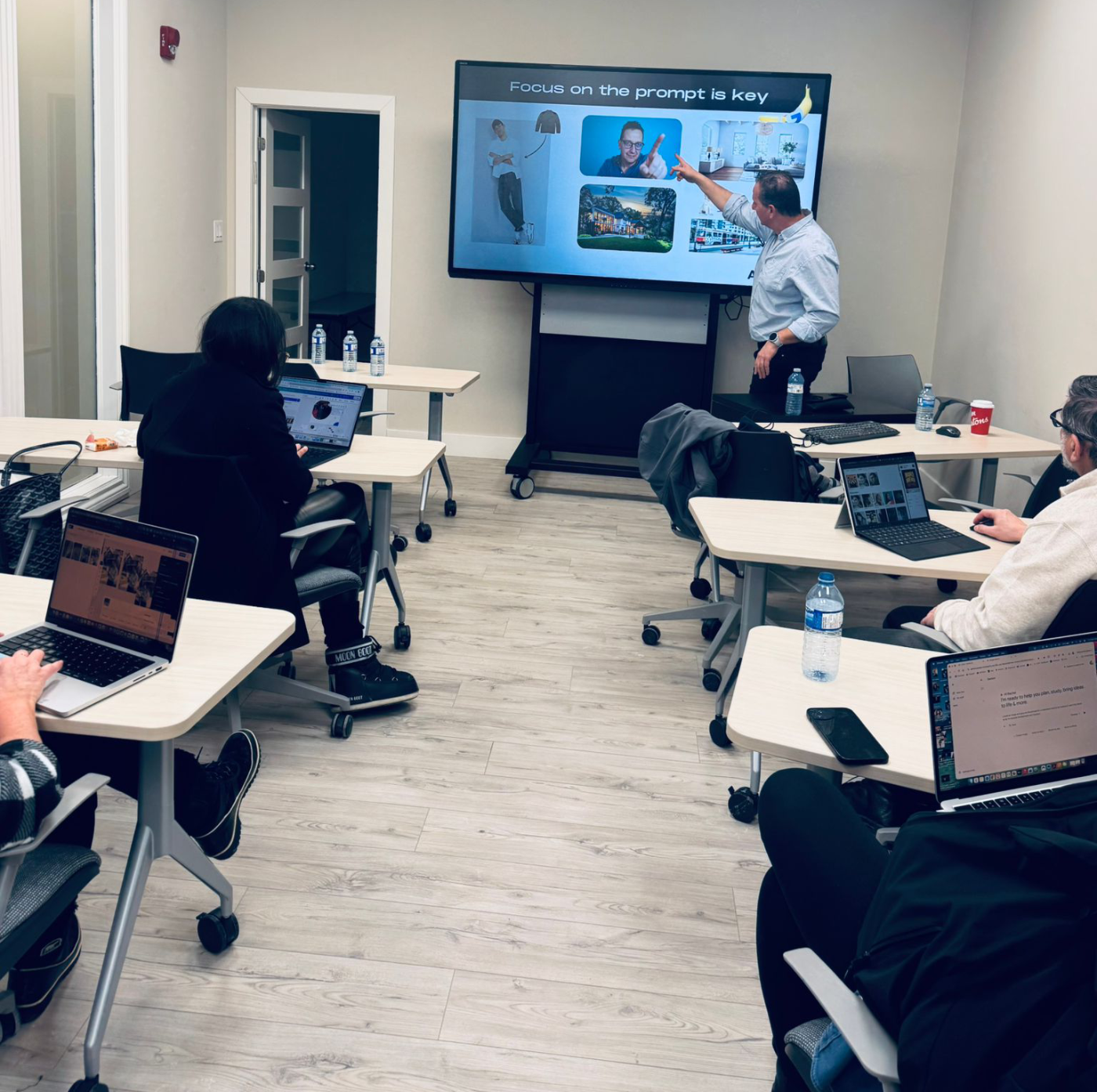
Hands-on. Laptops out, everyone works on their own real tasks.
Bigger rooms quoted on the call. On-site in the GTA. You provide the room and the lunch.
Book a 15 minute callThe Lunch and Learn is 90 minutes and gets everyone using AI properly on their own work. A half day goes deep on one tool. A full day covers all the main tools and builds agents for the work your department repeats. Most teams start with the Lunch and Learn.
That is exactly the point. You are already paying for it and almost nobody is using it. This training is about the thing you already own.
If they can write an email, they can do this. No coding, no jargon. We teach at the pace of the room and nobody gets left behind.
Nobody watches a demo here. Every person uses it on their own inbox, their own meeting and their own file, in the room. People remember what they did, not what they watched.
Yes. We train on-site across the GTA, including Vaughan, Markham, Richmond Hill, Mississauga, Brampton and Oakville. Hamilton and Kitchener-Waterloo are available on request.
Yes, on Zoom, for remote or spread-out teams. In person works best, because we can walk the room and help each person on their own screen.
Start with ninety minutes, over lunch, at your office. Nobody travels and nobody loses an afternoon.
Which staff, and what have they put into it? That is the conversation. The problem is not which tool. The problem is that there is no standard.
No. We sell no licences and earn no commission. Part of the training is telling you what you do not need to pay for.
We are trainers, not compliance advisors. We will raise the question, show you the settings, and tell you exactly what to ask your admin and your lawyer.
Most companies want one of four things next: a one page AI standard, a settings walkthrough with whoever runs your tenant, rollout sessions per department, or coaching for one internal person. We will tell you which one you need. Some companies need none of them.
Six months from now the licence fee has gone out twelve more times. Your team is still working at 20%. There is still no answer to which AI your company uses.
The only thing that has changed is how much of your company has been typed into accounts you do not control.
On the call we check which Microsoft licence you actually have, confirm what Copilot can and cannot do on it, and tell you which format fits your team and whether it is worth your money.
If it is not, we will say so.
Your team is using a fifth of what you already pay for. That does not fix itself.
