Learn to work smarter, not harder, with AI tools.
A live, hands-on online AI course you can join from anywhere in Canada. Four sessions. Real tools. Real results. You will use what you learn the very next morning.
Live on Zoom · 4 Thursdays, 5:30 to 8:30 PM · Small group








No tech skills needed. No coding. No experience with AI required.
Just bring your laptop and a willingness to learn.
You keep hearing about AI and you’re ready to stop watching from the sidelines. You don’t know where to start and that’s exactly why this workshop exists. We start from zero and make it simple.
You spend too much time on emails, reports, and creating content. AI tools handle repetitive tasks so you can focus on what matters. Learn practical AI skills you will use at work from day one.
You run the show and do everything yourself. Writing content, answering emails, creating materials. AI can take a big chunk of that off your plate. You just need the right tools and someone to walk you through them.
You have tried ChatGPT. Maybe Claude. Maybe Gemini. You typed something in, you got something back.
That is the surface. Most people never go deeper.
Sound familiar?

Using ChatGPT and Claude, you will write emails, reports, social posts, and newsletters in minutes. You will learn to prompt properly so AI writes in your voice, not like a robot. From the first session, you create real content live.
What you will do
Using Google Gemini, you will build your own AI workspace. Upload a PDF, a contract, a spreadsheet, or a receipt and ask AI to read it, summarize it, or organize it into a table. If you run a business, this session alone is worth the full course.
What you will do
No design skills needed. You will generate professional images for social media, your business, or personal use. Text to image, image to text, edit photos, remove backgrounds, create branded visuals. Things that used to take hours or cost money to outsource, you will do yourself in minutes.
What you will do
Build a full presentation with AI in under 20 minutes. Set up tools that work for you even when you are not working. You will leave with a complete AI system, not just knowledge of tools.
What you will do
This is not a recorded course. It’s a live, interactive AI training experience designed to help you use AI tools with confidence, no matter your industry or experience level.
This online AI course runs over 4 live sessions on Zoom. You will get step-by-step guidance in a small group setting, where you can ask questions, get feedback, and apply what you learn immediately.
Reserve My Spot, Limited Spaces



 Napkin AI
 Google Slides
Every session is live on Zoom. You join, you practice, you ask questions in real time. This is not a recording you watch alone at 2am. It is a real class with a real instructor.
Maximum 8 students per session. That means you get real attention, real feedback, and real answers to your specific questions. No getting lost in a crowd.
You will not sit and listen. From the first minute you are doing. Every tool is practiced live in class so you walk away knowing exactly how to use it.
I am Ran Armon. I have been teaching AI to real people in Toronto for almost three years.
I did not come from tech. I came from marketing, content, and small business growth. Exactly where most of my students are starting from.
When AI changed how I work, I built a way to teach it that skips the theory and gets you doing real things from the very first session. No jargon. No recordings to watch alone. A live instructor who has already figured out what works and what is a waste of your time.
You are not just getting a course. You are getting a guide.
I have helped over 150 students across Toronto and online. Every single one left with tools they used the next day.
Ran Armon. Practical AI for real people.

Here is what students say after just 4 sessions.
“Ran is an exceptional AI instructor. His ability to break down complex AI concepts into clear, practical, and engaging lessons is rare. He doesn’t just teach tools or theory, he empowers you to think in AI and apply it confidently.”
28 February 2025
“Taking Action AI’s course has completely transformed how I work. I now use AI almost non-stop to boost my consulting business and productivity. Ran’s teaching style is practical, inspiring, and has truly changed my life. I can’t wait to keep learning more.”
05 March 2025
“The in-person workshop at YEDI was amazing! Learning side-by-side with others made a huge difference. The hands-on practice, the energy in the room, and even the coffee breaks made it a great experience. I’m already using what I learned every day.”

Join our live online sessions and start using AI tools to work faster, smarter, and better.
Register Now
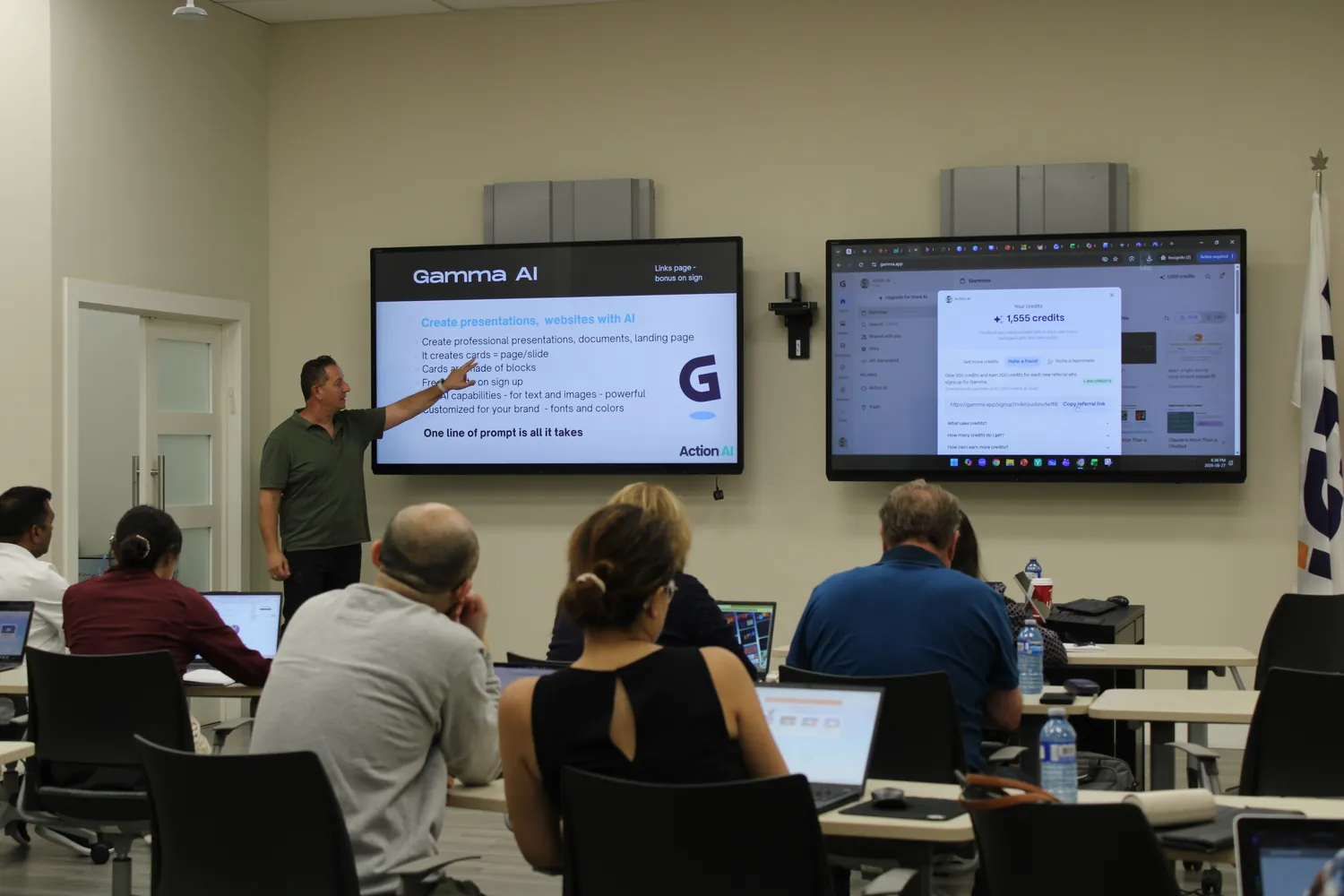
Learn AI by doing. Join four live sessions and build real skills with guidance.
Save your seatIf you show up to the first session and feel it is not for you, just let us know. We will refund your full payment. No questions asked. No awkward conversations. We are that confident you will love it.
Click here for full course details