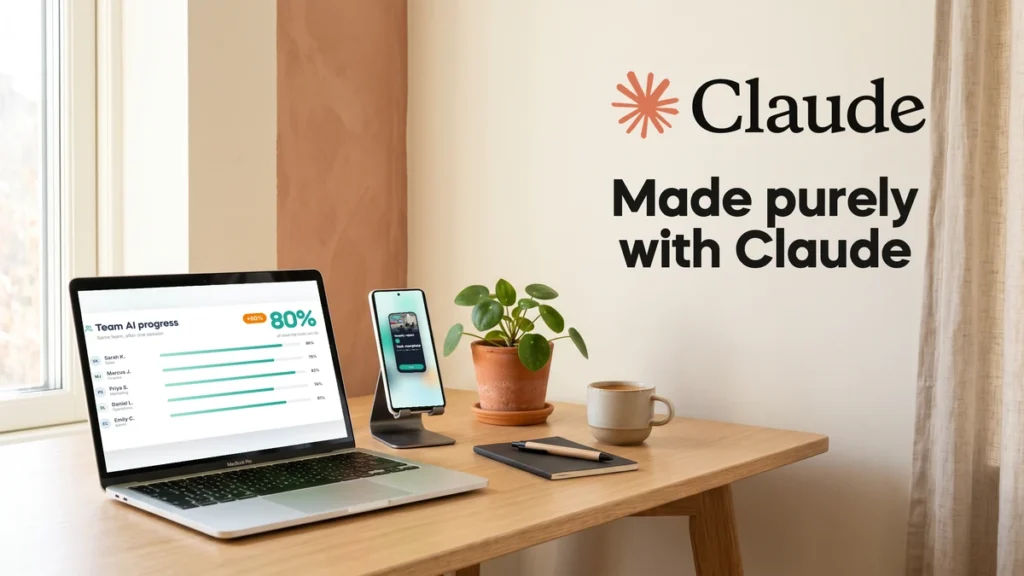
People ask me every week what the best AI tools for small business are. This week I have a real answer to show you, not just tell you. Our new 30 second promo video was made start to finish with one AI tool: Claude. No video editor, no image generator, no stock music, no extra subscriptions.
Here is how it happened, and what it means for your business.
Video editing was my most expensive job
For years, video was the task I dreaded most.
It was the most time consuming thing on my list. Hours in editing apps, moving clips around, lining up text with the music, exporting, finding a mistake, exporting again. And when I did not have the hours, I paid someone else to do it. Video was also my most expensive task.
So when I saw a launch video from Base44 that I loved, fast, clean, full of energy, my first thought was not “let’s make one”. It was “that would take weeks and cost a fortune”.
This time I tried something different.
One prompt, one idea, one tool
I gave Claude three things:
- The link to the Base44 video, as a reference for the rhythm and energy
- Our website, actionai.ca, as the source for the content
- One clear idea: a 20 to 30 second promo that shows what we do and the results our students and companies get
Then I let it work. Here is what Claude did on its own:
- Studied the reference. It broke the Base44 video down frame by frame and measured the pace of the cuts and the music.
- Read our website. It pulled our real messages, real session photos, real client quotes and our 5.0 Google rating.
- Built every animation in code. Every card, cursor click, logo and transition you see was written by Claude, in our exact brand colors and fonts.
- Composed the music from scratch. No stock track. Claude wrote the soundtrack in code and timed every beat to a cut in the video.
- Made a second version for phones. When I asked for Instagram and Facebook Reels, it rebuilt every scene for a vertical screen, so nothing is cut off.
It took an afternoon, including my rounds of changes. My changes were things like “the rating is 5 out of 5, not 4.7” and “make a vertical version”. I was the director. Claude was the whole production team.
So what are the best AI tools for small business?
Here is my honest answer, and it is the same one I give whenever someone asks.
The best tool is the one that does the job you need, in the best possible way. Sometimes that is Claude. Sometimes it is ChatGPT, Copilot or Gemini. And sometimes you need more than one.
There is no single winner, and anyone who tells you otherwise is selling something. For this video, Claude was the right tool because the job needed planning, writing, code and careful detail all at once. For a quick image or a slide deck, I might reach for something else.
The skill that matters is not picking the “best” tool. It is knowing what each tool is good at, and matching it to the job in front of you.
AI is moving fast. Maybe too fast.
ChatGPT launched almost four years ago. Since then, the tools have changed more than most of us can keep up with.
It is moving so fast that some of the people building AI have publicly asked the industry to slow down. In 2023, tech leaders signed an open letter asking AI labs to pause training their most powerful systems for six months. Some of the same people then went on to build their own AI companies and race even harder.
That tells you something. If the people making these tools cannot slow down, your business cannot wait for things to settle. They will not settle.
Why this matters if you’re not technical
You do not need to know how to code to get this result. I did not write a single line.
What I needed was:
- A clear picture of the result I wanted
- A good example to point at
- The patience to give feedback, like I would with any team member
That is the same skill that helps a small business owner in Toronto or anywhere in the GTA get real value from AI. Whether it is video, proposals, spreadsheets or a weekly report, the jobs that eat your time and your budget are the ones worth handing over first.
Most teams are already paying for tools that can do far more than they use them for. If you want a simple place to begin, read my guide on how to start using AI in a small business.
How to try it yourself
Pick the one task that costs you the most time or money. Then:
- Find an example of the result you want. A video, a document, a layout.
- Tell the AI what you want, in plain English, and share the example.
- Ask it to explain its plan before it starts.
- Review the first version like a manager. Say what to fix, one thing at a time.
Want the exact prompt I used for this video? Send me a message and I will happily share it.
And if you want your team to work better with the AI tools you already pay for, that is exactly what we teach. See our on-site AI training for teams, or join a public course if you are learning on your own.
Work smarter, not harder.